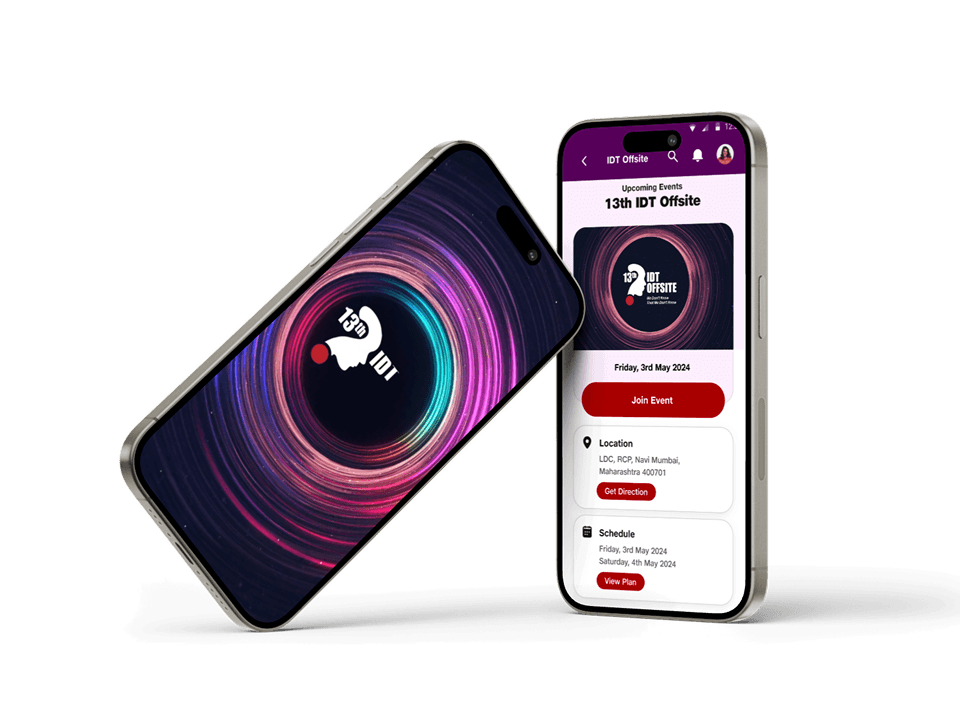
Problem Statement
The challenge was to design and deliver 50+ screens across desktop
and mobile, build dual user flows (attendee + admin), and while ensuring reliability, clarity, and seamless live interaction during the event.
The challenge was to design and deliver 50+ screens across desktop
and mobile, build dual user flows (attendee + admin), and while ensuring reliability, clarity, and seamless live interaction during the event.
Context
It started with a Monday morning call: the company was hosting a big talk-show–style event following Monday, and they needed an app—something lightweight, intuitive, and strong enough to handle over a thousand people tuning in at once. Attendees had to see schedules, join live quizzes, and react
in real time. Meanwhile, the organizing team needed a control room of sorts to launch quizzes, track speaker scores, and keep the event flowing smoothly.
With only three days on the clock, every hour counted. It became less about perfection and more about sharp decision-making—what to build, what to skip, and how to make the whole experience feel effortless under pressure.
A Monday call kicked this off: the company needed an app for a talk-show–style event happening the next week—something simple, intuitive, and tough enough for 1,000+ users. Attendees had to view schedules, join live quizzes, and react in real time, while the team needed a control panel to run quizzes and track speaker scores. With only five days to build, every decision had to be sharp and purposeful.
Solution
We turned the five-day crunch into a fast relay: UX drafted a flow, UI picked it up instantly, and dev pushed it into build the same day. This rolling handoff kept the momentum sharp. We tested each flow as soon as it went live, tightening anything that could slow down the event. By staying focused and synchronised, we delivered a clean attendee experience, a powerful admin dashboard, and a fully tested, event-ready app—right on time.
We turned the five-day crunch into a tight relay. UX delivered flows, UI picked them up instantly, and dev shipped them the same day. Each flow was tested as soon as it went live, keeping everything fast and clean. The result: a smooth attendee app, a focused admin dashboard, and a fully tested system ready for event day.
Design Details
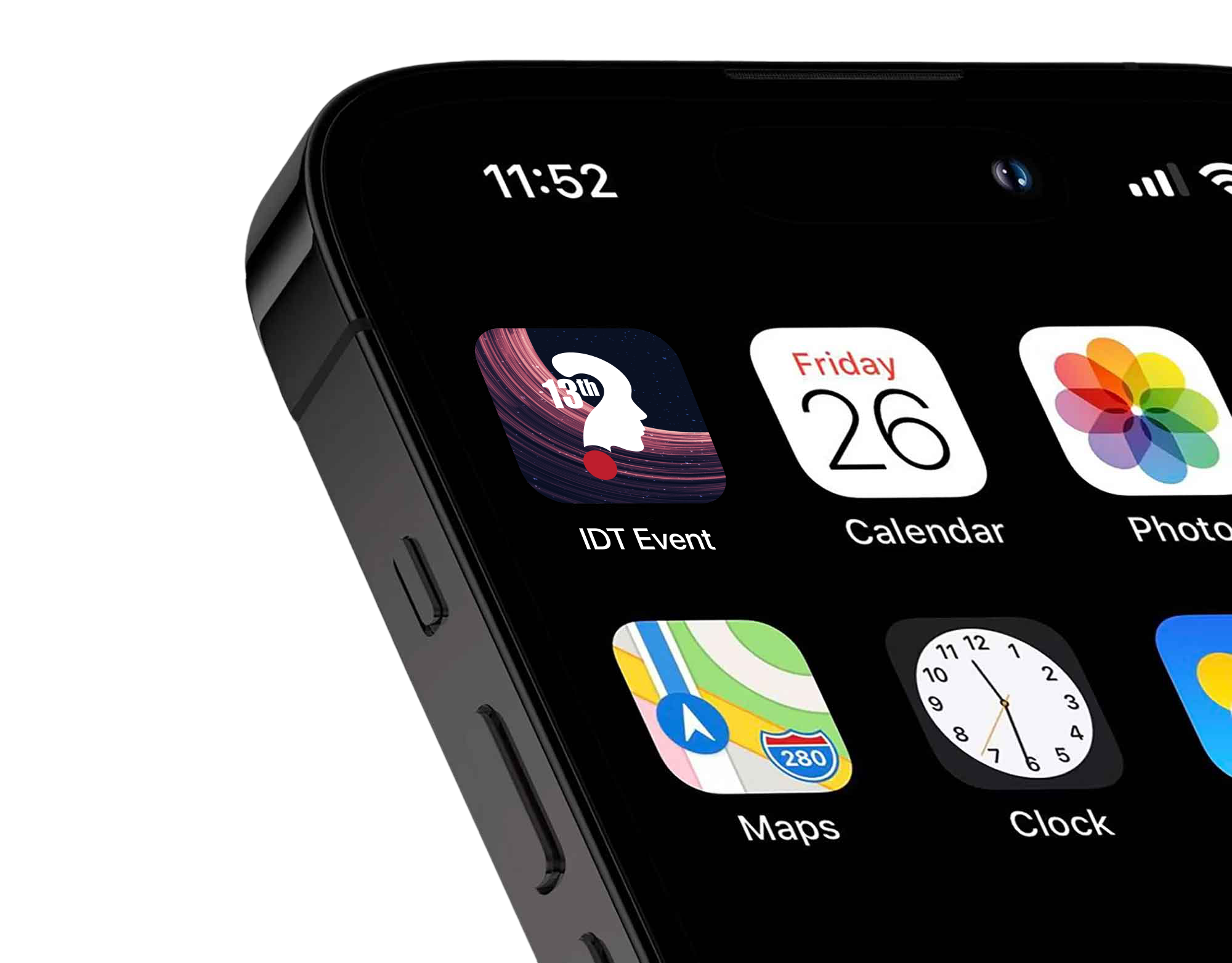
App Icon
560059
560059
FCEEFD
FCEEFD
FFCB14
FFCB14
BD1E2D
BD1E2D